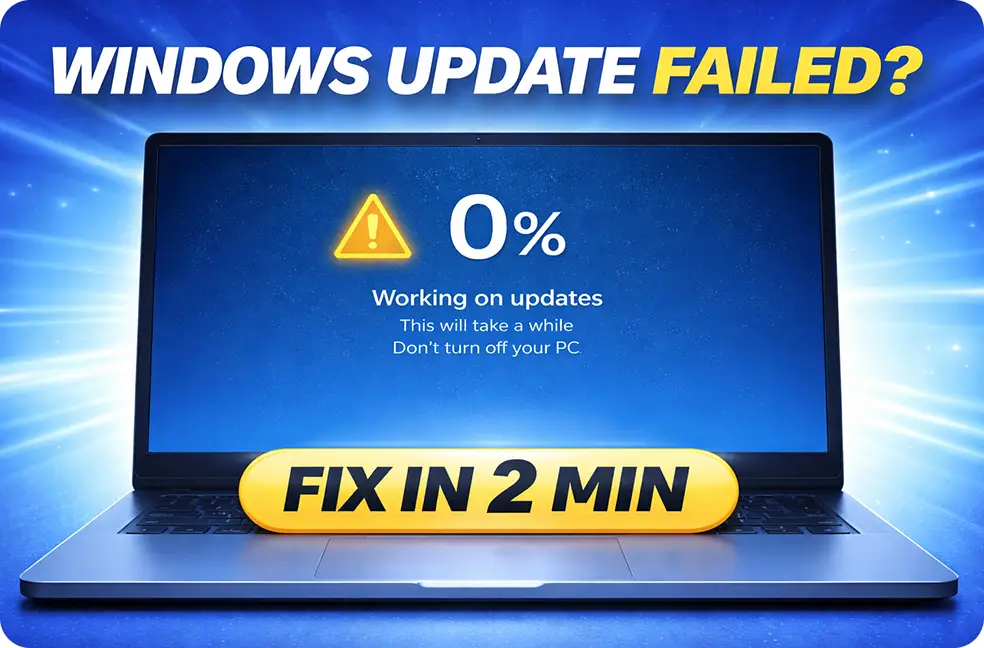
Windows 11 Update Failed or Stuck? Fix It Fast (7 Working Solutions)
If your Windows 11 update failed, is stuck at 0% or 100%, or is not installing, the most effective fixes are: resetting Windows Update components, clearing the SoftwareDistribution folder, repairing system files using DISM + SFC, and manually installing the update if it keeps failing. These methods fix most cases, including common errors like 0x80070002
Windows 11 Update Failed or Stuck? Fix It Fast (7 Working Solutions) Read More »