
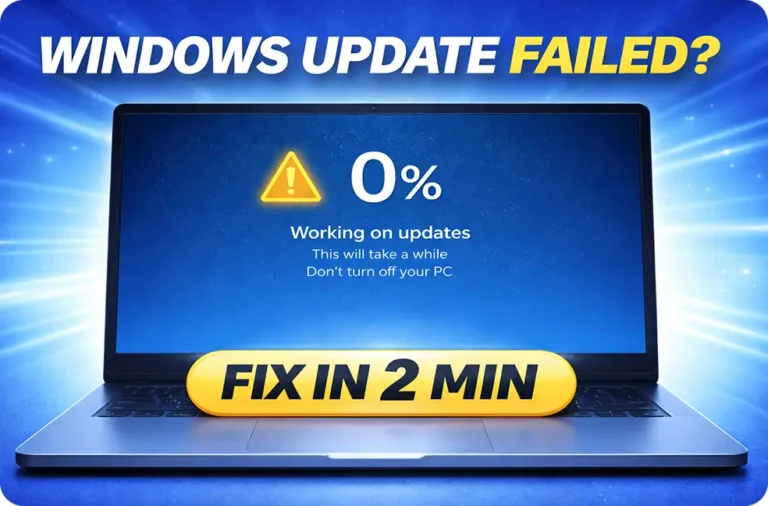
If your Windows 11 update failed, is stuck at 0% or 100%, or is not installing, the most effective fixes are: resetting Windows Update components, clearing the SoftwareDistribution...
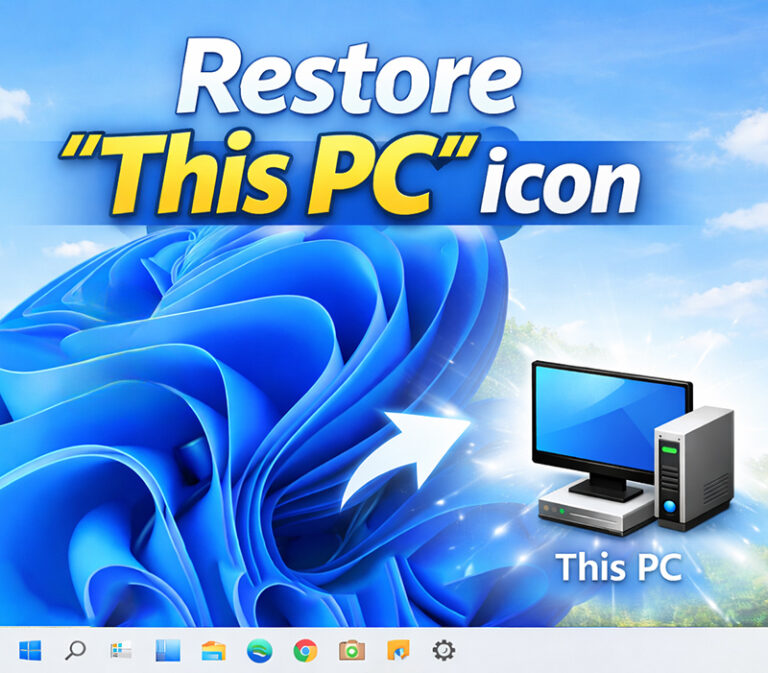
If your “This PC” icon is missing from the desktop in Windows 11, you can restore it quickly:Right-click on the desktop → Click Personalize → Go to Themes → Click Desktop icon settings...
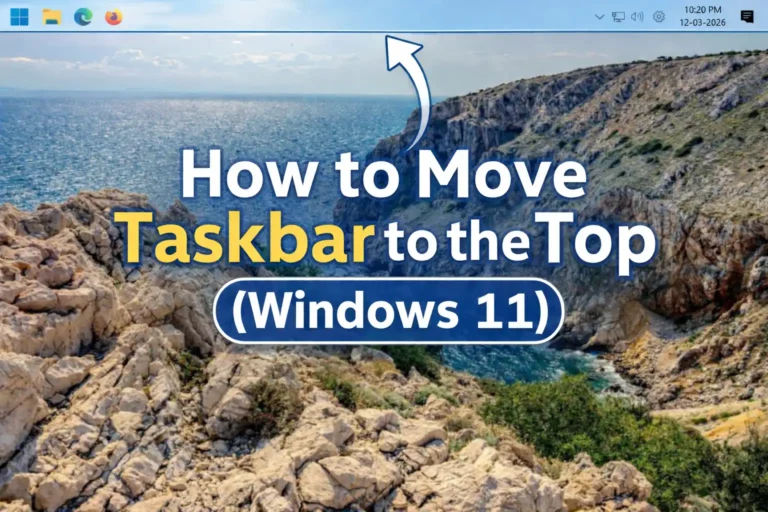
In Windows 11, the taskbar appears at the bottom of the screen by default. Unlike Windows 10, where users could easily change the taskbar location, Windows 11 removed the built-in option...
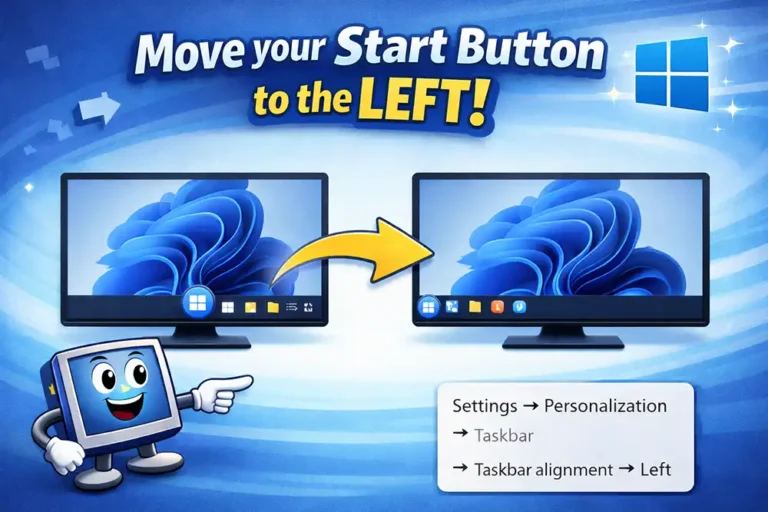
You can move the Windows 11 Start menu to the left by going to Settings → Personalization → Taskbar → Taskbar behaviors → Taskbar alignment → Left. This instantly shifts the Start button...
If your PC suddenly lost 20GB, 50GB, or even 100GB of storage, a few large files are usually responsible.
Many Windows users run into this issue when:
the C drive suddenly becomes...
Quick Answer:To check laptop battery health in Windows, open Command Prompt or Terminal, type powercfg /batteryreport, and press Enter. Windows will generate a battery report showing...