S.K.

Fix Windows Update Failed or Stuck

Windows 11 Update Failed or Stuck? Fix It Fast (7 Working Solutions)

If your Windows 11 update failed, is stuck at 0% or 100%, or is not installing, the most effective fixes are: resetting Windows Update components, clearing the SoftwareDistribution folder, repairing system files using DISM + SFC, and manually installing the update if it keeps failing. These methods fix most cases, including common errors like 0x80070002 […]

Windows 11 Update Failed or Stuck? Fix It Fast (7 Working Solutions) Read More »
How to move Start button to the left in Windows

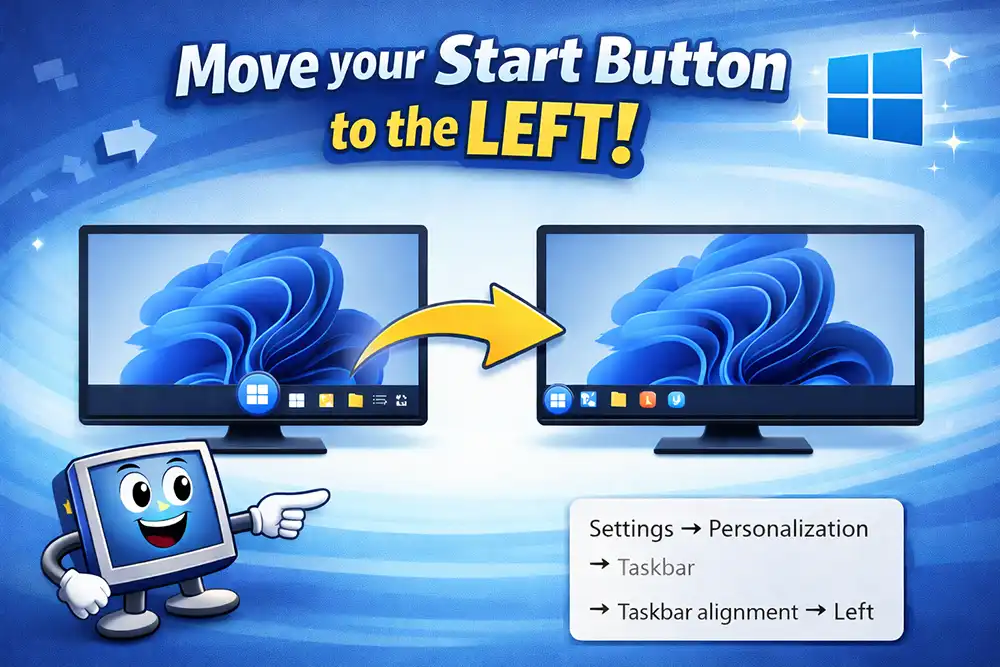
How to Move the Start Menu to the Left in Windows 11 (Step-by-Step Guide)

You can move the Windows 11 Start menu to the left by going to Settings → Personalization → Taskbar → Taskbar behaviors → Taskbar alignment → Left. This instantly shifts the Start button and all taskbar icons from the center back to the traditional left side. When Microsoft introduced Windows 11, the Start menu moved

How to Move the Start Menu to the Left in Windows 11 (Step-by-Step Guide) Read More »

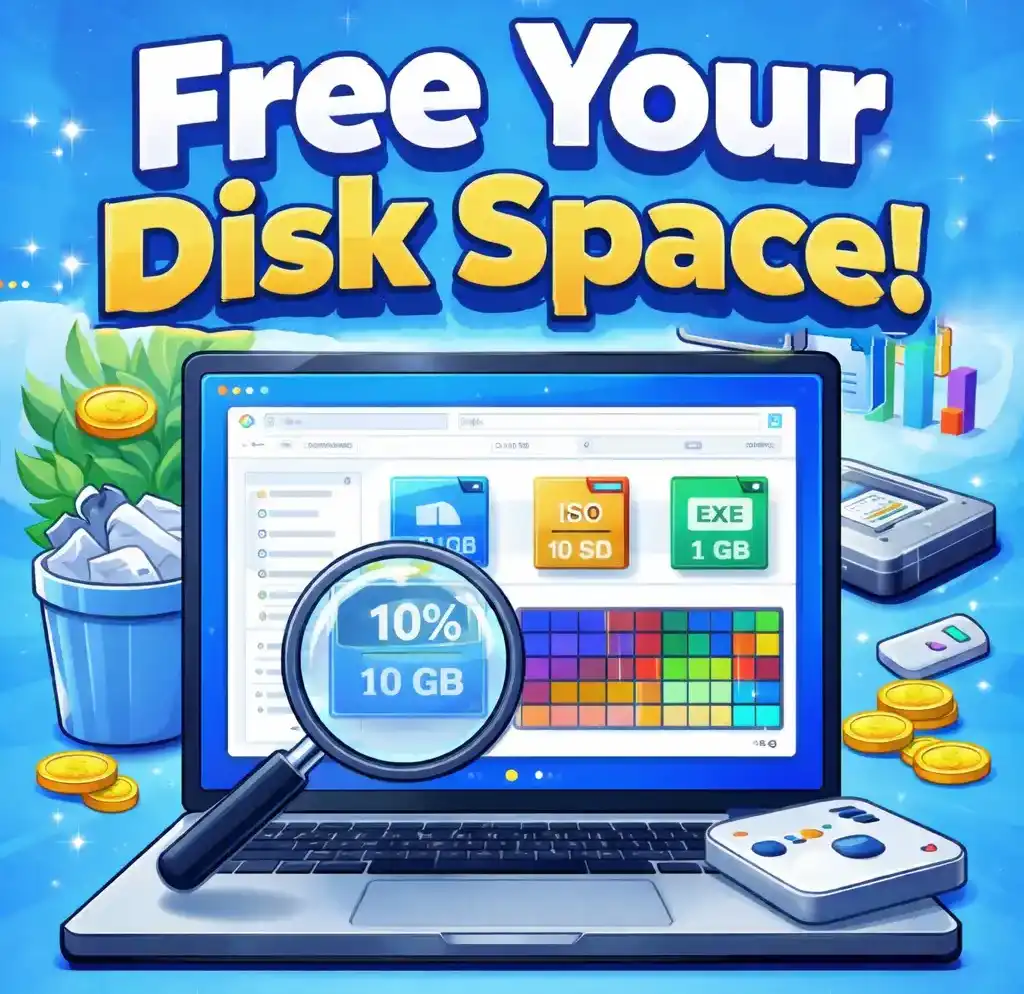
Illustration showing how to free disk space on Windows by finding large files

Why Is My C Drive Full? How to Find Large Files Taking Up Space in Windows

If your PC suddenly lost 20GB, 50GB, or even 100GB of storage, a few large files are usually responsible. Many Windows users run into this issue when: The cause is usually large hidden files or folders, such as old downloads, ISO files, game installations, backups, or temporary Windows update files. In this guide, you’ll learn

Why Is My C Drive Full? How to Find Large Files Taking Up Space in Windows Read More »

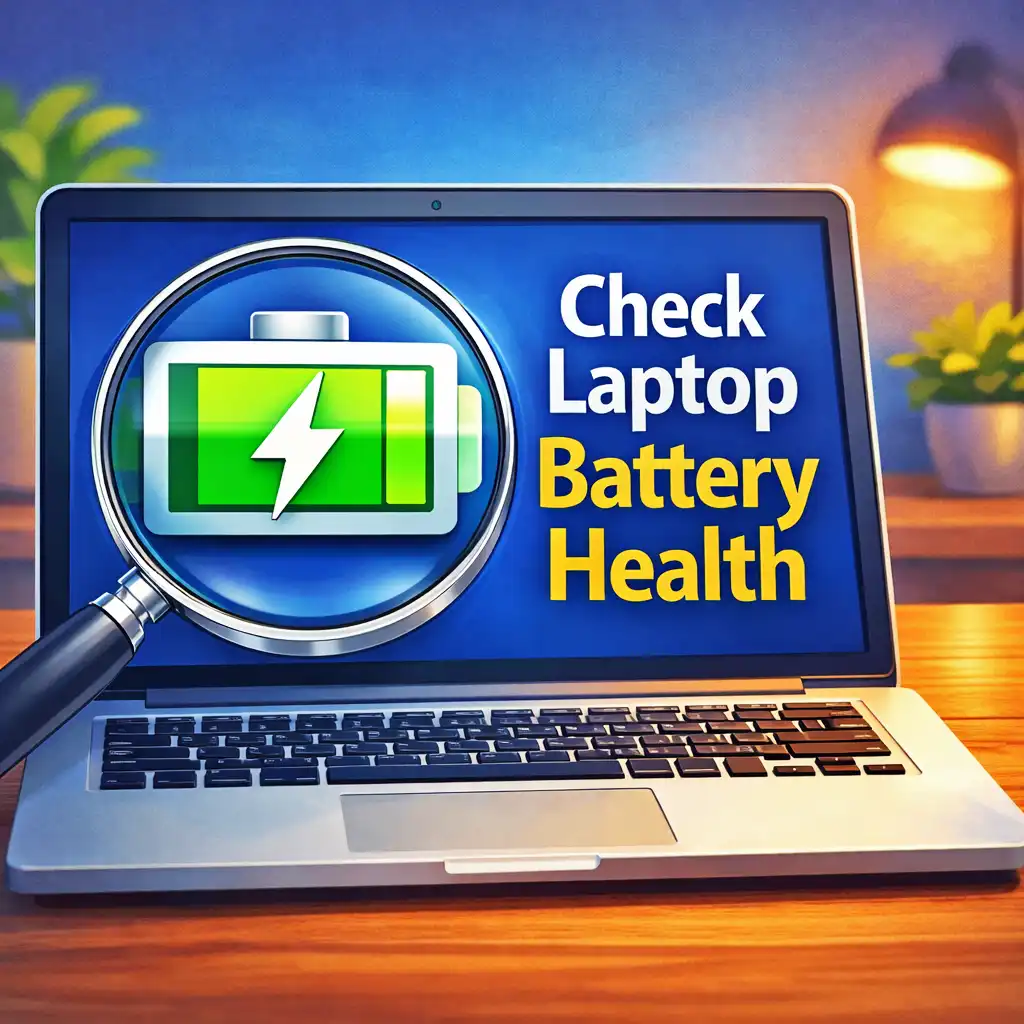
How to Check Laptop Battery Health in Windows 10 & 11 (Actually Works!)

Quick Answer:To check laptop battery health in Windows, open Command Prompt or Terminal, type powercfg /batteryreport, and press Enter. Windows will generate a battery report showing your battery’s design capacity, current full charge capacity, usage history, and battery wear level. Open the generated battery-report.html file to view the full health details. What Laptop Battery Health

How to Check Laptop Battery Health in Windows 10 & 11 (Actually Works!) Read More »

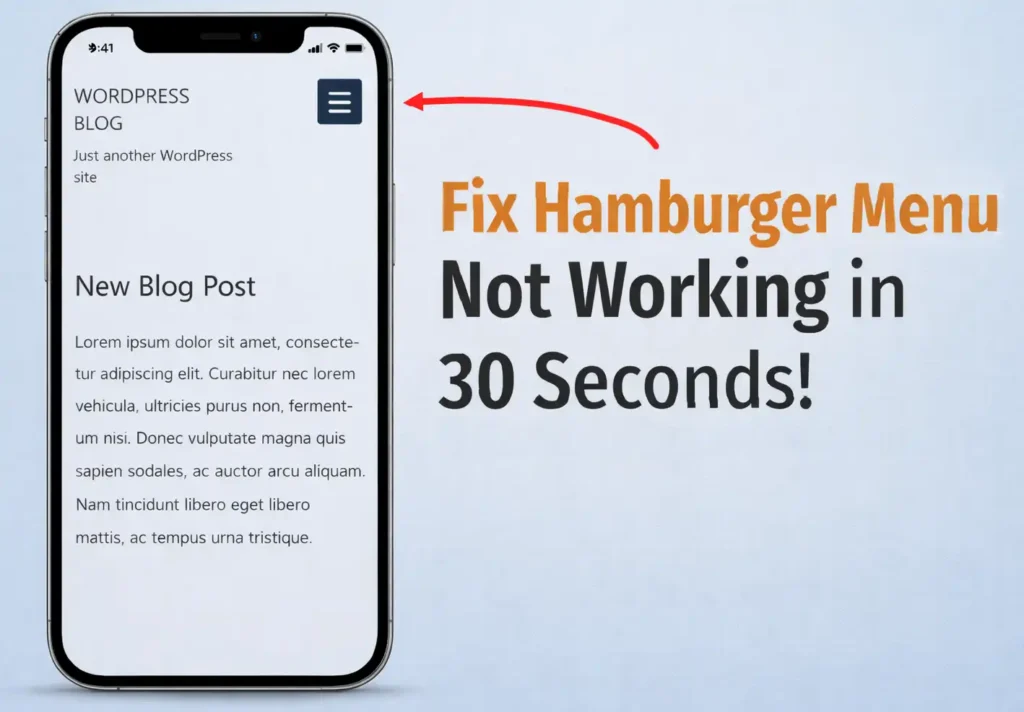
How to Fix WordPress Mobile Hamburger Menu Not Working (30-Second Elementor Fix)

If your WordPress mobile hamburger menu is not working, the quickest fix is clearing Elementor’s cached files. Go to Elementor → Go to site setup→ Tools → Elementor Cache → Clear Files and Data. This refreshes Elementor’s assets and usually restores the mobile menu instantly. The quickest fix is to clear Elementor’s cached files and

How to Fix WordPress Mobile Hamburger Menu Not Working (30-Second Elementor Fix) Read More »

Computer Suddenly Slow? 10 Proven Ways to Speed Up Windows 10 & 11

When Windows is freshly installed, everything usually feels fast and responsive – but as time passes it becomes slow. You can speed up Windows 10 or Windows 11 by freeing disk space, disabling heavy startup apps, fixing high RAM usage, stopping resource-hungry programs, and preventing CPU overheating. These simple adjustments often restore system performance without

Computer Suddenly Slow? 10 Proven Ways to Speed Up Windows 10 & 11 Read More »